


With millions of PAYE records being reviewed in 2026, many taxpayers are receiving P800 letters. This guide explains why you received one, how to check the calculation, claim any refund, deal with tax owed and avoid HMRC scams.
Key Takeaways
What is a P800 Tax Calculation?
A P800 is a PAYE tax calculation, not a Self-Assessment return or Simple Assessment bill. HMRC usually sends P800s between June and March of the following tax year. The letter will tell you whether you are due a refund or owe more tax and explain what happens next. If HMRC has reviewed several tax years together, use the latest P800 and its tax history to understand your overall position.
Why Have You Received a P800 Letter?
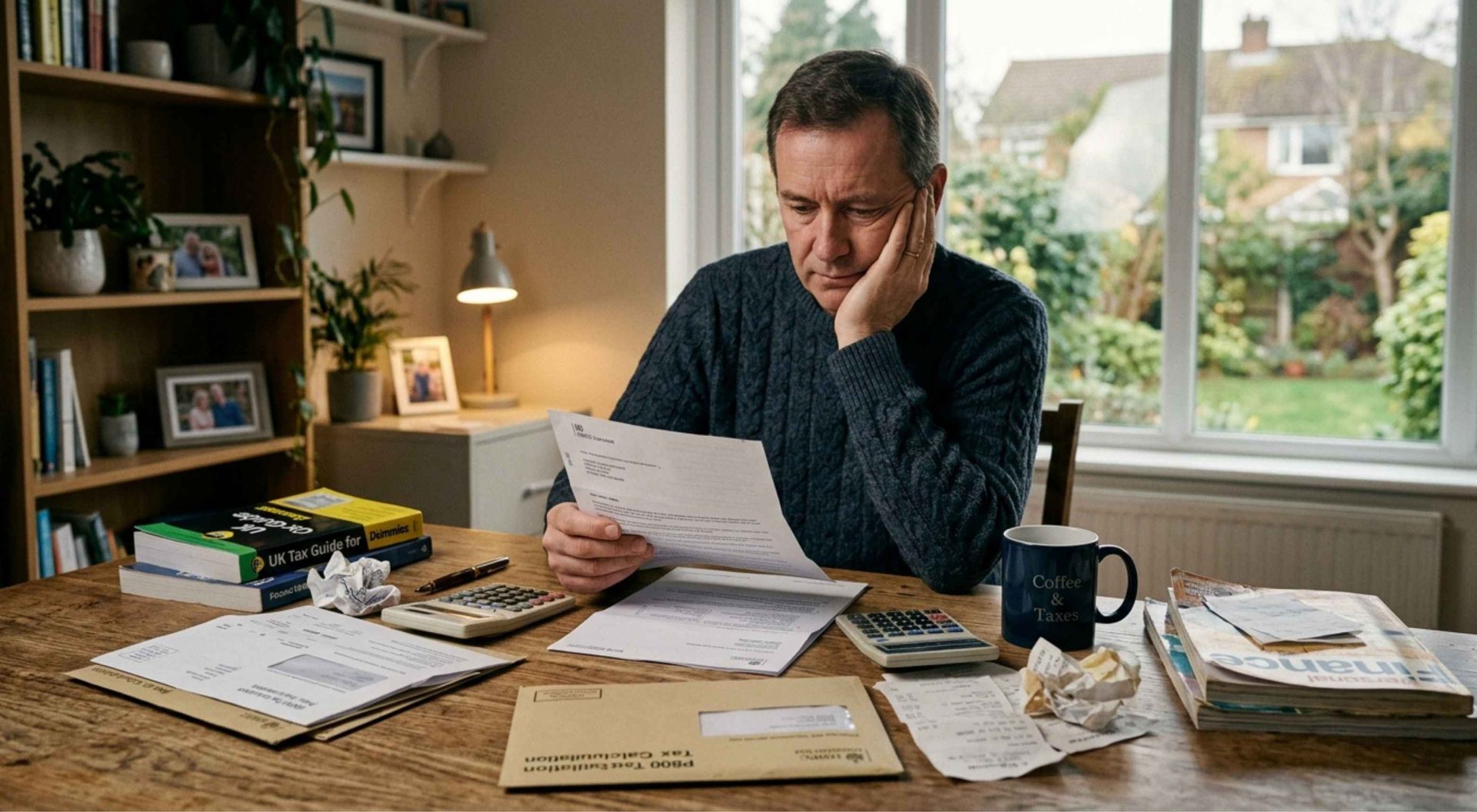
Other changes can also affect your final tax position, including:
- starting a job on an emergency tax code
- having more than one job or pension
- stopping work part-way through the tax year
- changes to savings interest or taxable employment benefits
- taking a flexible pension payment taxed using an emergency code
- changes to Marriage Allowance
- corrections to pay or tax information reported by your employer
Note
Receiving a P800 does not mean you have done anything wrong. It simply means HMRC has found a difference between the tax you paid and the tax you should have paid, and the letter explains whether you are due a refund or need to pay more tax.
Is your P800 Genuine, or Is it a Scam?
Scam Checklist:
- Did you receive a P800 letter by post first?
- Does the text or email ask you to click a link to claim, release or verify your refund? A genuine P800 follow-up message will not.
- Are you being asked for bank details, card numbers or personal information? Treat the message with caution.
- Are you being pressured to act within 24 or 48 hours? Unexpected urgency is a common warning sign.
- Can you confirm the refund independently through the HMRC app, your Personal Tax Account or GOV.UK?
- Is anyone asking for your Government Gateway or GOV.UK One Login details? Never share your HMRC sign-in details, even with a tax agent.
A tax refund agent is a private company, not HMRC. Some offer a useful service, but others take a sizeable fee from a refund you could often claim yourself for free. Before signing up, check what they charge, whether the fee covers one tax year or several, and whether the refund will be paid to you directly or to the agent first.
If you previously signed a deed of assignment giving a refund company the right to receive your repayment, the rules have changed. Under section 333 of the Finance (No. 2) Act 2023, any assignment received by HMRC on or after 15 March 2023 is void, even if you signed it before that date. A nomination is different and can still allow HMRC to pay a refund to someone else on your behalf. For most P800 refunds, you do not need an agent — you can usually claim directly from HMRC and keep the full amount.
Why Don't My P800 Figures Match My P60?
Your P60 and P800 will not always agree. A P60 is your employer's year-end certificate, and where you handed over a P45 it should already cover your whole year across both jobs. So a P60 that only shows part of the year is itself a clue: your new employer never processed your P45.
The other common cause is income a P60 was never meant to show — pension income, savings interest, or benefits on a P11D. HMRC builds your P800 from all of it, which makes it more complete than your P60, but not automatically right.
For example,
If you changed jobs and your new employer did not receive your P45 details straight away, some earlier pay or tax may not have been reflected correctly at first. Your P800 may also include other income, such as pension income, taxable benefits or savings interest, which can explain the difference.
Worked Example: Mid-Year Job Changes with No P45
Scenario: Priya earns £2,500 a month. She works from April to September 2025, has no earnings for three months, then starts a new job in January 2026 without a P45. She completes Starter Checklist Statement B, so her new employer uses the 1257L Month 1 emergency tax code.
Tax Deducted
Job A:
£15,000 pay − £6,285 allowance = £8,715 taxable
£8,715 × 20% = £1,743 tax
Job B:
£2,500 − £1,048 monthly threshold = £1,452 taxable per month
£1,452 × 20% = £290.40 tax per month
£290.40 × 3 = £871.20 tax
Job | Pay | Tax Deducted |
|---|---|---|
Job A | £15,000 | £1,743.00 |
Job B | £7,500 | £871.20 |
Total | £22,500 | £2,614.20 |
What should Priya actually pay?
£22,500 − £12,570 Personal Allowance = £9,930 taxable
£9,930 × 20% = £1,986 tax due
But Priya paid £2,614.20
£2,614.20 − £1,986 = £628.20 overpaid
Result: Priya is due a £628.20 refund
The overpayment arose because the Month 1 emergency code taxed each month separately and did not take account of the allowance Priya had not used during her three months without work. HMRC can identify this when it reviews her full-year PAYE record.
Do Landlords & Property Investors Get a P800?
Most landlords will not receive a P800. If your only income is from property, your tax will usually be dealt with through Self-Assessment or, in some cases, Simple Assessment. A P800 is more likely where you also have income taxed through PAYE, such as a salary or pension, and HMRC is reconciling your tax without a Self-Assessment return for that year.
If your P800 includes property income, check the figure carefully. HMRC may be using an estimated amount based on information from an earlier year rather than your actual current profit. If your rent has fallen, a property has been sold or you have had a long vacant period, that estimate could be too high and you may end up paying more tax than necessary.
You also do not need to wait for a P800 to correct an inaccurate estimate. Check your tax code through your Personal Tax Account or the HMRC app and contact HMRC if the property figure needs changing. Remember, you could still receive a P800 for an earlier tax year even if you have since registered for Self-Assessment.
From 6 April 2026, landlords in Self-Assessment generally need to use Making Tax Digital for Income Tax if their qualifying gross property and self-employment income was more than £50,000 in 2024/25, unless an exemption applies. MTD changes how income is reported, but it does not change how P800s interact with Self-Assessment.
How to Claim your P800 Refund
If your P800 says you can claim online, you need to take action to get your refund. Do not assume HMRC will automatically send a cheque. You will usually need the reference number from your P800 and your National Insurance number.
You can claim in several ways:
- Claim online through GOV.UK and choose payment into your bank account or by cheque
- Use the HMRC app. Go to the PAYE section and select Claim if a refund is available. You will need a UK bank account
- Use your Personal Tax Account to request payment into your UK bank account
- Contact HMRC if you prefer to receive your refund by cheque
HMRC says online refunds are normally sent within 5 working days, while a cheque you request can take up to 6 weeks.
If your P800 specifically says HMRC will send you a cheque, you do not need to make a claim. It should arrive within 14 days of the date on the letter. If you are due refunds for more than one tax year, HMRC will normally send one cheque for the total amount.
Before claiming, check that the figures on your P800 are correct. If something does not look right, contact HMRC before accepting the calculation.
What If Your P800 Letter Says You Owe HMRC Money?
Sometimes HMRC cannot use your tax code at all. That happens if you owe more than £3,000, if your income is too low to absorb the deduction, or if the tax is due on your State Pension. In those cases, you get a Simple Assessment letter rather than a P800. Treat it as a different document entirely: it carries a payment deadline and missing that deadline costs you interest. If your tax is being coded out and you would rather clear it now than watch it come out of every payslip for a year, you can pay it early.
If you think the figures are wrong, contact HMRC before paying. Explain which amounts you believe are incorrect and what the correct figures should be. Keep documents such as your P60, P45 and payslips available to support your position.
If a refund or underpayment looks unusually large, check it carefully. HMRC can recover money that was refunded in error, so it is better to query an unexpected figure than assume the calculation must be right.
How Far Back Can You Claim a P800 Tax Refund?
Before making a claim, check your records for other recent tax years as well. You may find that another refund is due, or that a different year contains an underpayment that also needs correcting.
You also do not need to wait for a P800 if you think you have paid too much tax. Depending on the reason for the overpayment:
- P50 – May apply if you have stopped working and want to claim back overpaid Income Tax.
- P87 – May apply if you have paid qualifying work expenses yourself and want to claim tax relief.
- P85 – May apply if you have left or are leaving the UK and are not reporting your departure through Self-Assessment.
HMRC’s Check how to claim a tax refund service can help you find the right route for your situation.
Frequently Asked Questions
HMRC says online refunds are sent within 5 working days. If you ask for a cheque, it can take up to 6 weeks. If HMRC says a cheque will be sent automatically, it should arrive within 14 days of the date on your P800.
Yes. Start by checking your Personal Tax Account or the HMRC app. If you cannot claim there, contact HMRC. The separate online P800 refund service normally asks for your P800 reference number and National Insurance number.
It can. If you owe tax, HMRC may change your tax code for the following year, so the amount is collected gradually from your salary or pension.
The tax will not simply go away. If you owe less than £3,000 and HMRC can collect it through PAYE, it will usually adjust your tax code. If it cannot, you may receive a Simple Assessment bill with a payment deadline.
No. If you are registered for Self-Assessment, HMRC deals with any overpayment or underpayment through your tax return instead. If you receive an unexpected P800 message, verify it directly through GOV.UK, your Personal Tax Account or HMRC before taking action.
Yes. You can check your P800 through your Personal Tax Account or the HMRC app. If you have chosen paperless communication, you may not receive a letter at all. Checking directly through HMRC is also the safest way to confirm that a refund is genuine.
A P800 is an HMRC tax calculation showing the tax year, your income, the tax you paid, the tax you should have paid and any refund or amount owed. It will also include a reference number. If the letter gives you a specific payment deadline, check carefully, as it may be a Simple Assessment rather than a P800.
A refund can be delayed for several reasons. You may not have completed the claim, your bank details may not match HMRC’s records, a cheque may have gone to an old address, or HMRC may be carrying out additional security checks. If the normal waiting period has passed, check your Personal Tax Account or HMRC app and contact HMRC if necessary.
The easiest place to check is your Personal Tax Account or the HMRC app. You may be able to see whether your refund has been claimed, is being processed or has been issued. Always check through HMRC directly rather than following links in unexpected emails or texts.
Start with your Personal Tax Account or the HMRC app, as many refund queries can be dealt with online. If you still need help, use the official Income Tax contact details on GOV.UK. Keep your National Insurance number and P800 reference ready and avoid using phone numbers or links from unexpected messages.
Conclusion
If you receive an HMRC P800 tax refund letter, check the figures before you claim or pay anything. Make sure the income, tax and any property-related amounts are correct, then take action through GOV.UK, the HMRC app or your Personal Tax Account.
Need Help?
If anything looks wrong or unclear, UK Property Accountants can review the calculation, identify errors and help you deal with HMRC with confidence.

- The VAT Payment Methods HMRC Actually Accepts - 11 September 2026
- The Rise of Americans Moving & Renting in the UK: What UK landlords Must Check - 4 September 2026
- HMRC Automatic Making Tax Digital Sign Up For Landlords & Sole Traders - 2 September 2026
